Turn a sentence into a scene.
Describe a shot or start from a photo. The agent picks the model, then cuts, captions and stitches the clips for you.
 1
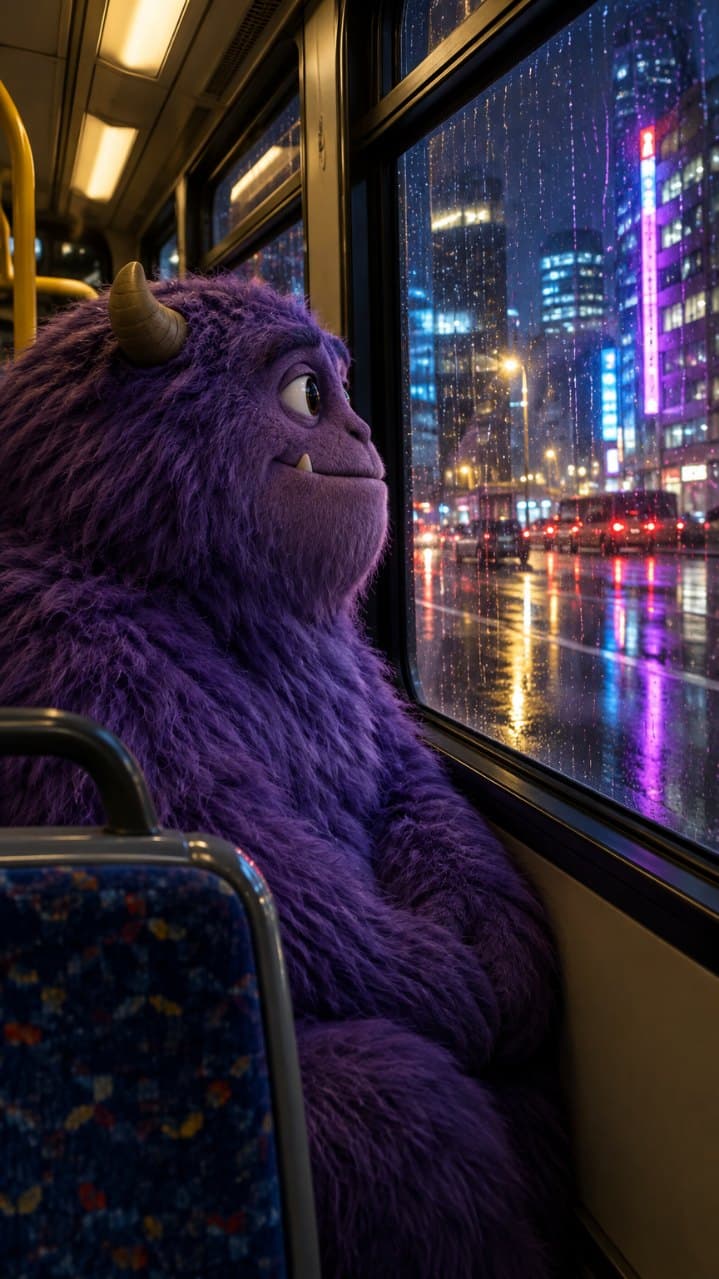
Describe the shot
Say what happens and how it is shot. A start frame is optional.
 2
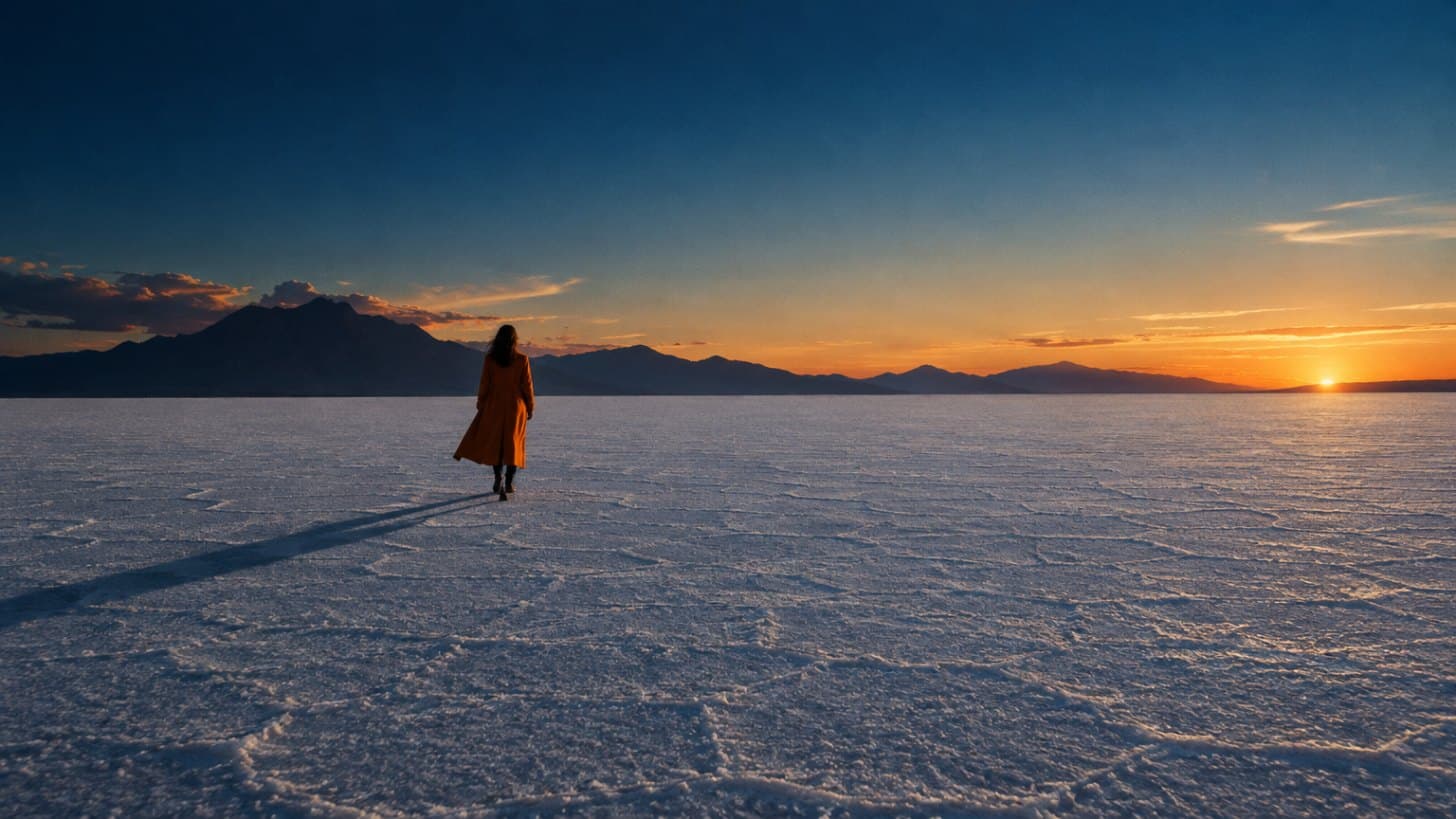
Set the look
Pick a model, duration, style and camera, or leave them on Auto.
 3
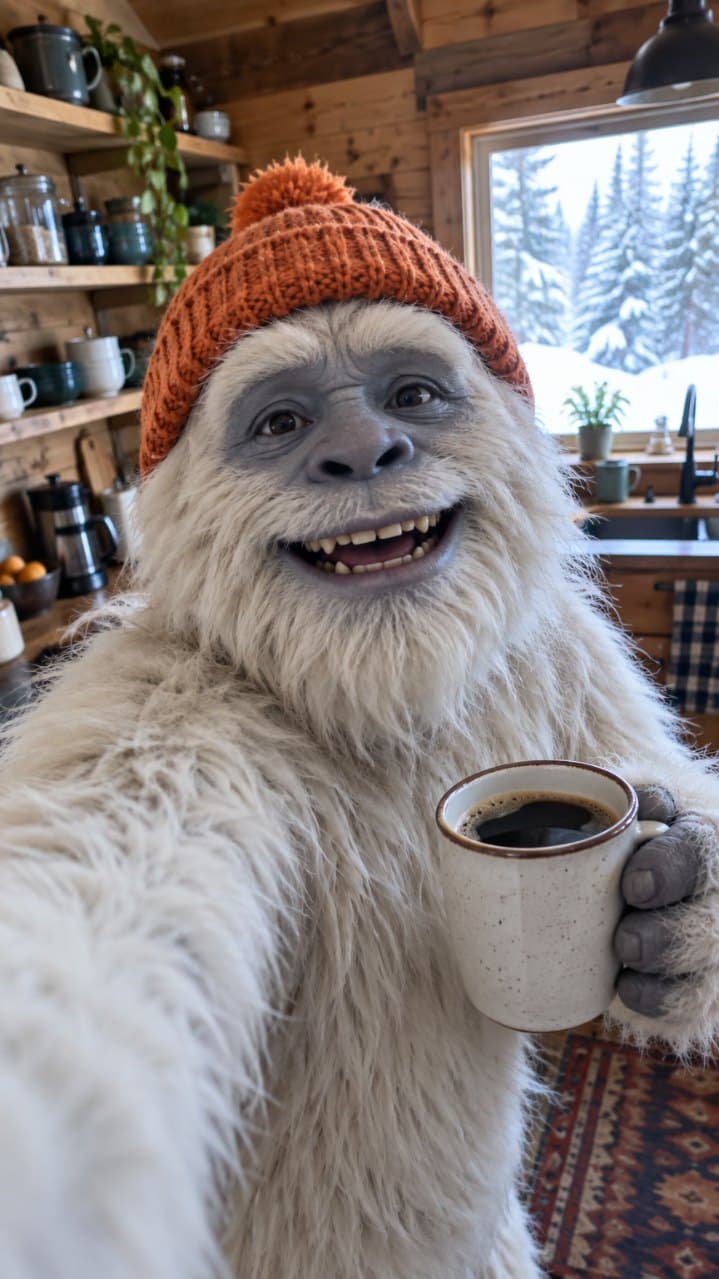
Approve the price
The agent plans the shots and shows the cost. Tap Make it to run.
Ask for a minute. Get a finished cut.
- The agent cuts at the right moments, makes each clip and stitches them into one video, up to 5 minutes.
- Cuts, stitching and captions are free. You pay for the clips.
- 9:16 by default. 16:9 and 1:1 when you ask.
- Bring your own track or voiceover and it cuts to it.
Night bus, 30 s
3 clips · v20:000:100:20Questions
Do I have to choose a model?
No. The agent picks the model that does the job well and tells you why. Want a specific one? Pin it from the model menu.
Do the videos have sound?
Kling makes sound with the picture. With other models, upload your own track or voiceover and the agent adds it.
What does a video cost?
From 50 credits for 10 seconds. The card shows the exact price before anything runs.
Can I keep editing after it is made?
Yes. Ask in the same chat for captions, a trim, a new size or another version. Every change is a version you can go back to.