Captions, cuts and stitching. Free.
Say what you want changed and the agent edits the video. No timeline, no export settings, no credits on anything you made here.
 1
Add your clip
Up to 5 minutes, or pick one you made here.
 2
Say what to change
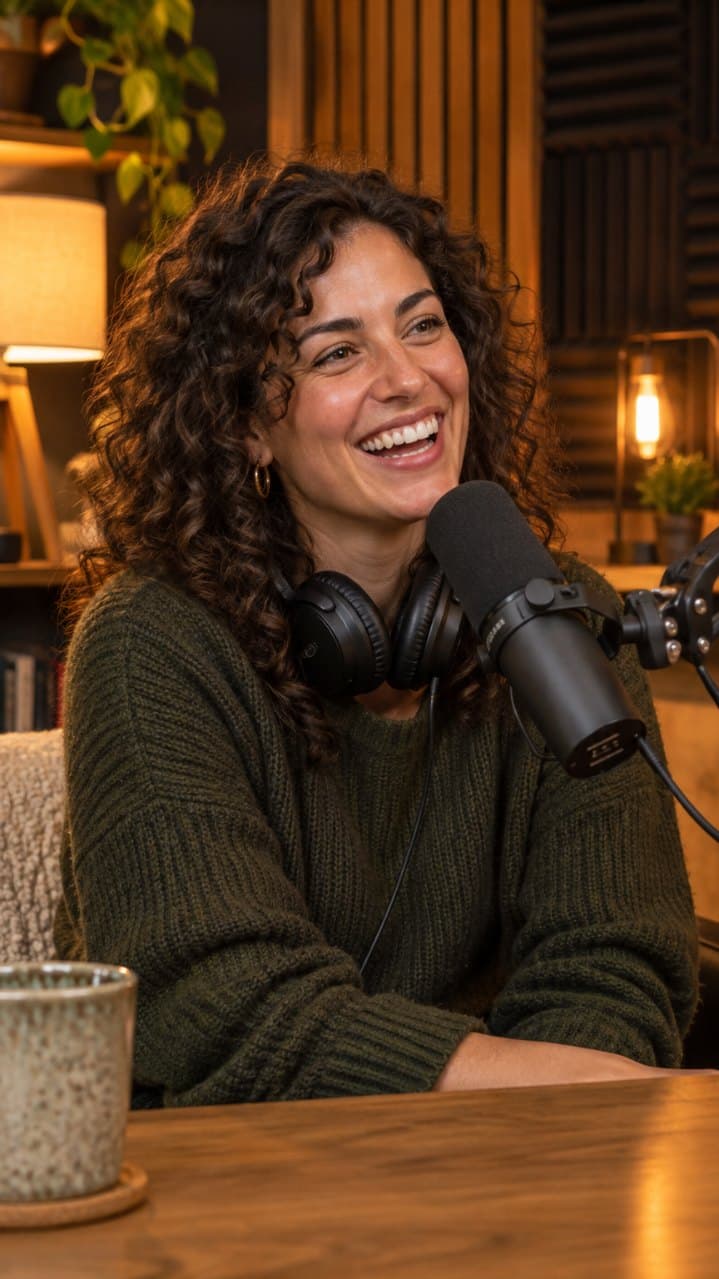
Add captions, cut the first second, make it 9:16.
 3
Get a new version
Most edits take under a minute. Every version is saved.
Pick a style once. It sticks.
wait for it
Bold
Heavy words, three at a time
here's the thing
Highlight
The spoken word lights up
I tried it for a week
Clean
A clean line with an edge

nobody tells you this
Boxed
White words on a dark box
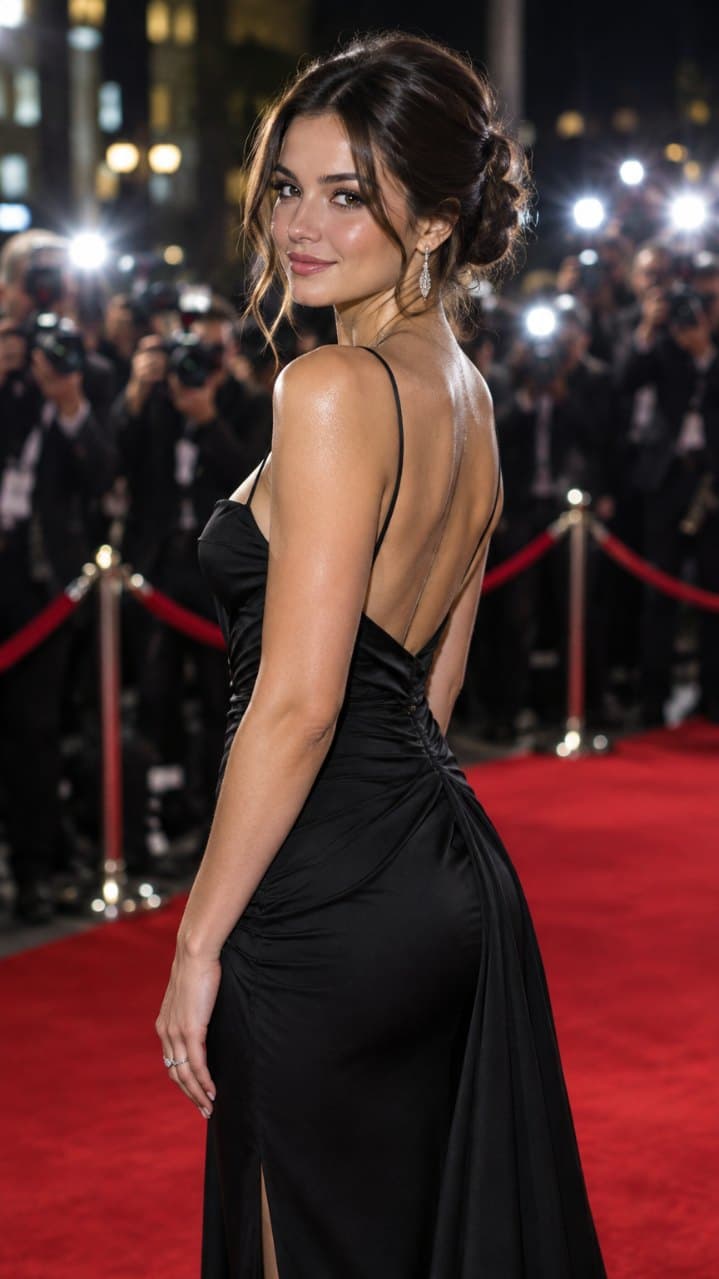
three words at a time
Minimal
Small and quiet
Edits you type, not edits you drag.
Every request makes a new version in the same project, so you can always go back.
“Add captions”
Auto captions
Word-timed captions from the audio, in your style.
“Cut the first second”
Trim and cut
Tighten the start, drop the dead air, keep the hook.
“Stitch these three”
Stitch
Join clips into one video in the order you say.
“Make it 9:16”
Reframe
Turn a wide clip into a vertical one.
“Put the title at the top”
Text on screen
Titles and hooks where the app's buttons won't cover them.
“Speed it up a bit”
Speed
Faster or slower, for the whole clip or one part.
Every edit is a version. Undo is one tap.
- Current
Version 3
Title at the top · speed 1.1x
- Restore
Version 2
Captions · trim · 9:16
- Restore
Version 1
The original video
- Free
- Edits to videos you made here never cost credits.
- Versions
- Every edit is saved. Go back anytime.
- Ready to post
- MP4, vertical by default, no visible watermark.
- Captions as a file
- Burned in, or a separate file for the app's own captions.